Back to Blog
Test Ad Slot

Blog Post Top | Network: adsense | Position: blog_post_top

Top post test slot

Email Marketing Growth Playbook 2026: From Zero to Predictable Revenue
Premium Insight
3/1/20261 Min ReadAdmin TeamEmail Marketing

Email Marketing Growth Playbook 2026: From Zero to Predictable Revenue

A practical blueprint for list quality, segmentation, campaign architecture, and deliverability to scale revenue safely in 2026.

Quick Summary

This article explains the core strategy, implementation flow, and practical next actions you can apply immediately.

Key Highlights
  • - Why Most Campaigns Fail
  • - The 4-Layer Revenue Framework
  • - Deliverability Baseline
  • - Execution Checklist
Related Tags

Keep reading through nearby topics and connect this article with the rest of the content graph.

Test Ad Slot

Blog Post Inline | Network: adsterra | Position: blog_post_inline

Inline post test slot

Why Most Campaigns Fail

Most teams send too fast, to unverified lists, and without a lifecycle strategy. The result is poor inbox placement and rising complaint rates.

The 4-Layer Revenue Framework

Use a clear sequence: Welcome, Nurture, Offer, and Retention. Each layer should have distinct goals and segmentation rules.

  • Welcome: trust and profile capture
  • Nurture: education and intent scoring
  • Offer: timed conversion pushes
  • Retention: reorder and cross-sell logic

Deliverability Baseline

Before scale, verify SPF, DKIM, DMARC, warm up domains slowly, and remove risky addresses. Keep bounce and complaint rates under control with automated suppression.

Inbox placement beats send volume. Quality routing wins long-term revenue.

Execution Checklist

Build campaign templates, set throttling, monitor performance per segment, and optimize send windows by geography and behavior.

Need a managed setup? Talk to our team.

Next Step

Want this implemented for your store? Use the ideas from this article in your admin tools and keep your content feed moving.
Test Ad Slot

Blog Post Bottom | Network: custom | Position: blog_post_bottom

Bottom post test slot

More to Read

View All
Account Delete
General

Account Delete

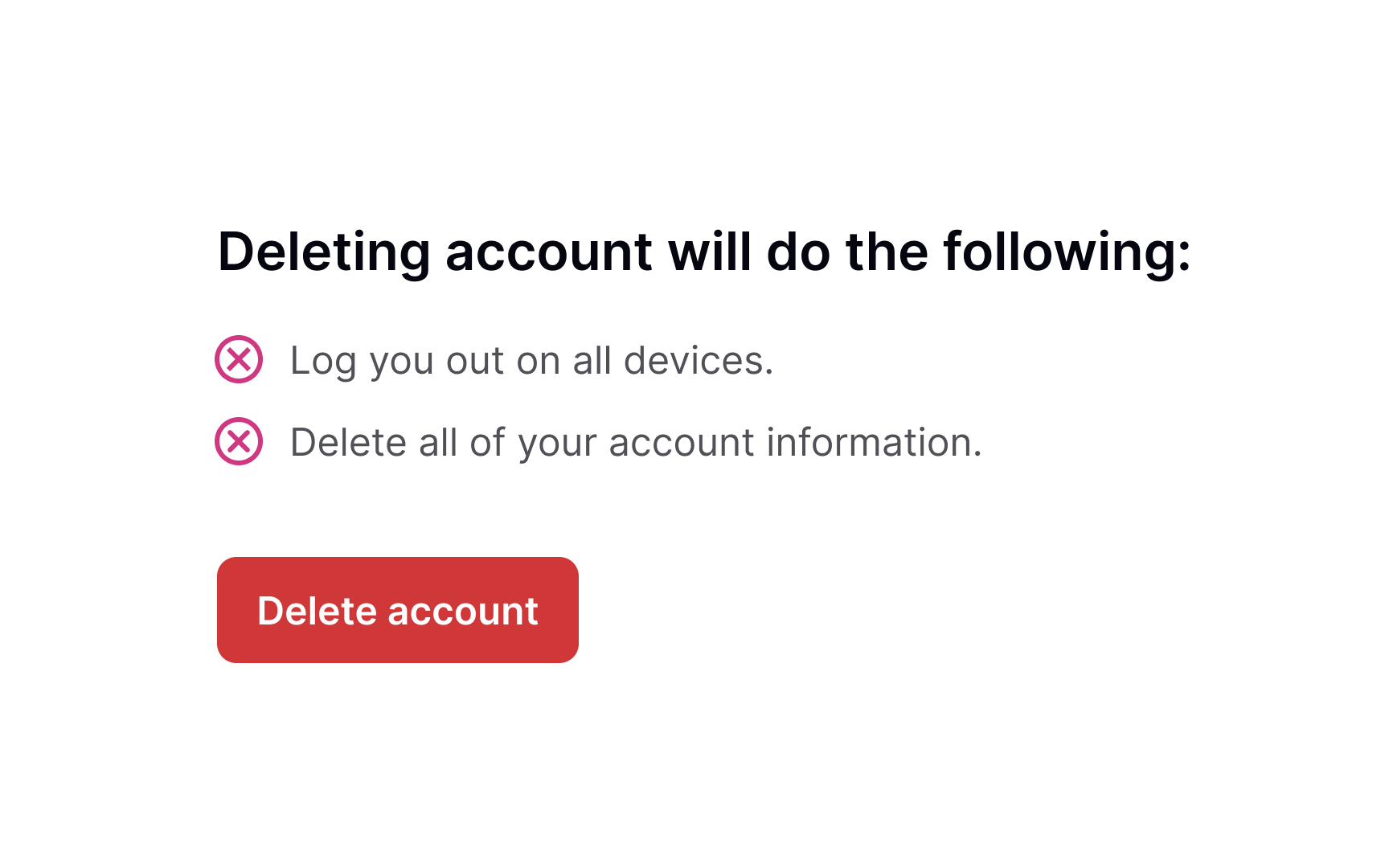
This page explains how users of Subs Puls can request deletion of their account and associated personal data. How to delete your Subs Puls account Users can delete their account directly inside the Subs Puls app. Open the Subs Puls app. Go to your Profile section. Tap Delete Account. Confirm the deletion request. If you cannot access the app and need help with account deletion, you may contact support at noreply@xpertmania.com or your official support email. What data is deleted Your profile information associated with the account Your username and email association in the app Your linked device token records used for notifications Your app account data and related in-app profile details Your notification records associated with your account where applicable What data may be retained Some limited information may be retained for a period of time when necessary for legitimate business, legal, security, fraud-prevention, dispute-resolution, tax, or regulatory compliance reasons. This may include: Purchase and billing-related records Fraud prevention and abuse detection records Security logs and audit records Records required for legal or regulatory compliance Retention period Retained records are kept only for as long as necessary to meet legal, accounting, security, fraud-prevention, and operational obligations. After that period, the remaining personal data is deleted or anonymized where appropriate. Need help? If you need help regarding account deletion for Subs Puls, please contact us at noreply@xpertmania.com.

Read Blog
Ultimate Blog Features Showcase 2026
Product Updates

Ultimate Blog Features Showcase 2026

A complete demo article using anchors, highlights, real images, video, ads, CTA links, code, and credits.

Read Blog
Blog Builder Features Demo: Image, Quote, List, Code, CTA Button
Product Updates

Blog Builder Features Demo: Image, Quote, List, Code, CTA Button

A live demo post showing every major block from the builder including image, headings, list, quote, code snippet, and CTA button.

Read Blog
Related Tags